Small group turns Anthropic's Claude into a full AI video production studio
Summarized by AI from reporting by @francescoinweb3 on X, published under our editorial policy.
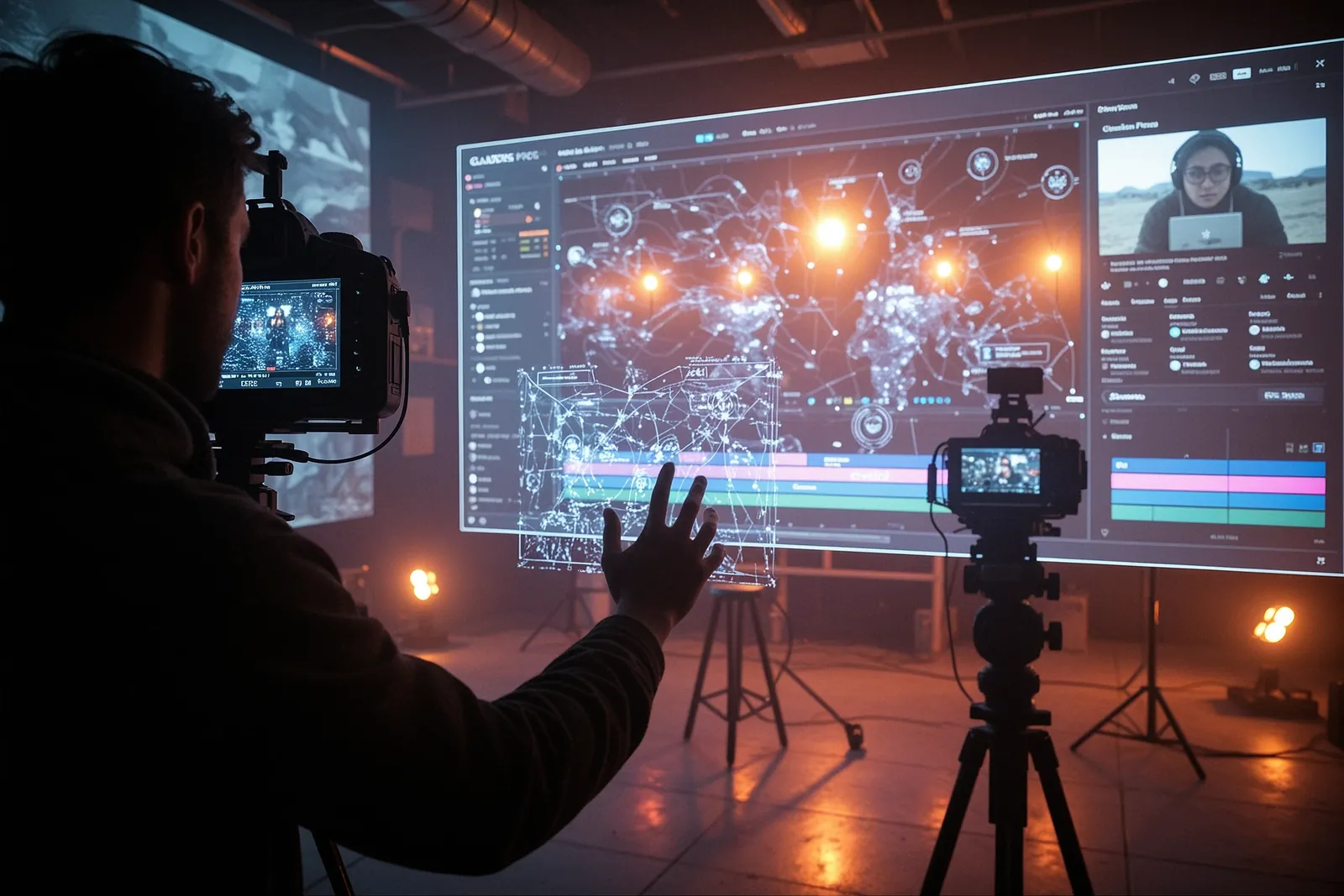
A small group of users has figured out how to use Anthropic's Claude AI to build a complete video production workflow — including dashboards, motion graphics, and exportable videos — all within a single Claude stack, moving beyond simple writing tasks.
Key takeaways
- A small group has developed a full video production workflow using Claude, an AI assistant by Anthropic.
- The workflow includes creating dashboards, motion graphics, and exportable videos within a single system.
- Francesco shared a detailed breakdown of the process on X, providing a guide for others to follow.
Francesco, a user on X (formerly Twitter), highlighted an innovative use of Claude, an AI assistant developed by Anthropic. While most people use Claude primarily for writing tasks, a smaller group has discovered how to turn it into a full AI production studio. This includes creating dashboards, motion graphics, and even exportable videos, all within a single workflow.
Francesco shared a thread detailing how this group has built a comprehensive Claude stack for video production. The thread includes a link to a detailed breakdown of the process, showcasing the versatility of the AI model beyond basic writing tasks.
What the Claude Production Studio Does
The Claude production studio allows users to create entire video productions using the AI model. This includes generating motion graphics, designing dashboards, and even producing exportable videos. The workflow is streamlined, enabling users to go from concept to final product within a single, cohesive system.
How It Compares to Traditional Tools
Traditional video production tools often require multiple software applications, each serving a specific function. This can be time-consuming and complex, especially for those without extensive technical knowledge. The Claude production studio simplifies this process by integrating all necessary tasks into one AI-driven workflow. This makes it accessible to a broader range of users, including those with limited technical skills.
Why It Matters for Everyday Users
For everyday users, this development means that creating professional-quality videos is no longer limited to experts with expensive software. With the Claude production studio, anyone can produce high-quality content with minimal effort. This democratizes video production, making it accessible to hobbyists, small businesses, and content creators who may not have the resources for traditional tools.
What You Can Do Today
If you're interested in exploring this innovative use of Claude, you can start by checking out the detailed breakdown shared by Francesco. The thread includes a link to a comprehensive guide on how to set up and use the Claude production studio. You can find the thread on X by searching for the handle @francescoinweb3 and looking for the post dated October 19, 2026.
Frequently asked
- Is the Claude production studio free to use?
- The source does not specify the cost of using the Claude production studio. You may need to check the detailed breakdown shared by Francesco for pricing information.
- Do I need any prior experience to use the Claude production studio?
- The workflow is designed to be accessible to users with varying levels of technical skill, but some familiarity with AI tools may be beneficial.