Google and Adobe Deepen Partnership to Integrate Creative and Productivity Tools
Summarized by AI from reporting by Google AI Blog, published under our editorial policy.
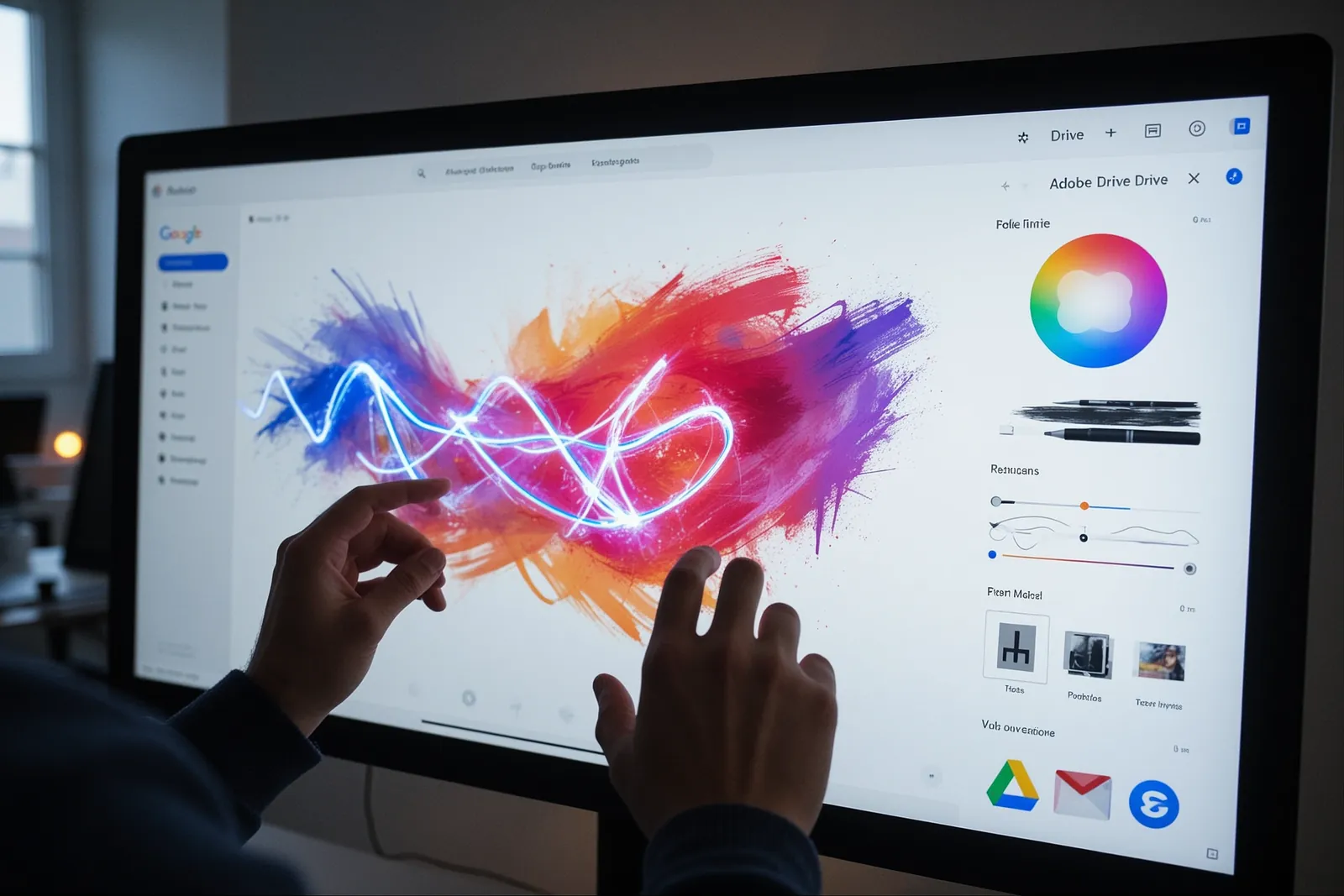
Google and Adobe are expanding their partnership to bring Adobe's creative tools directly into Google's productivity apps. This integration will allow users to edit PDFs in Drive, use Adobe AI in Gemini, and more. The collaboration aims to streamline workflows and enhance productivity for both everyday users and businesses.
Key takeaways
- Google and Adobe are integrating Adobe's creative tools directly into Google Drive, Gmail, and Gemini.
- Users will have a direct pathway from Google Drive and Gmail into Adobe Acrobat for easy PDF editing.
- Adobe's CX Enterprise Coworker agent will be available in Gemini Enterprise for businesses.
- Adobe and Google DeepMind are exploring new editing capabilities for Photoshop, potentially enabling near-real-time edits.
- This partnership aims to streamline workflows and enhance productivity for both everyday users and businesses.
Google and Adobe have announced an expanded partnership to integrate Adobe's creative and productivity tools directly into Google's everyday apps. This collaboration aims to eliminate the need to switch between applications, making workflows more seamless and efficient. The announcement was made at Adobe MAX, highlighting the companies' commitment to enhancing user experience and productivity.
Direct PDF Editing in Google Drive and Gmail
Google and Adobe are bringing Adobe's tools directly into Google Drive, Gmail, and Gemini. Users will soon see a direct pathway from Google Drive and Gmail into Adobe Acrobat, allowing for easy PDF editing. This integration includes an "Edit with" entry point in file previews, making it easier to access Adobe's tools without leaving Google's ecosystem. This is a significant upgrade from the previous workflow, where users had to manually open Adobe Acrobat to edit PDFs, often disrupting their workflow.
Adobe AI in Gemini and Google Search
Adobe is also expanding its connectors in Gemini and Gemini Enterprise with Acrobat and additional creative tools. This means users can create and edit content directly within Gemini, enhancing productivity. Additionally, Adobe's creative tools will be available in AI Mode in Google Search, allowing users to access these tools right where they search and chat. This integration is particularly useful for professionals who need to quickly access creative tools while working on other tasks.
AI Assistant for Enterprise Teams
For businesses, the partnership brings significant enhancements. Enterprises will be able to use Adobe's CX Enterprise Coworker agent in Gemini Enterprise. This AI assistant helps teams design graphics, work with PDFs, and launch marketing campaigns without switching apps, streamlining workflows and boosting productivity. This is a game-changer for businesses that rely on both Google and Adobe tools, as it reduces the time spent switching between different applications and platforms.
Exploring New Editing Capabilities with DeepMind
Adobe and Google DeepMind are also exploring new editing capabilities for creative professionals. Starting with an image model for Photoshop, this collaboration could enable near-real-time edits, revolutionizing the way creatives work. This initiative highlights the potential of AI in enhancing creative tools and workflows. For example, creative professionals often spend hours fine-tuning images. With near-real-time edits, they can see the results of their adjustments instantly, speeding up the creative process.
What This Means for Everyday Users
This integration is a game-changer for everyday users who rely on both Google and Adobe tools. By bringing Adobe's creative tools directly into Google's apps, users can enjoy a more seamless and efficient workflow. Whether you're editing a PDF in Drive, creating content in Gemini, or searching with AI Mode in Google Search, this partnership aims to make your tasks easier and faster. For instance, students and professionals who frequently work with PDFs will benefit from the direct editing capabilities in Google Drive, reducing the need to switch between multiple applications.
What You Can Do Today
While some features are still in development, you can start exploring the existing integrations. Open Google Drive and look for the "Edit with" option in file previews to access Adobe Acrobat directly. Additionally, try using Adobe's connectors in Gemini and Gemini Enterprise to see how they can enhance your productivity. Stay tuned for more updates as the partnership evolves. For businesses, consider how the Adobe CX Enterprise Coworker agent in Gemini Enterprise can streamline your team's workflows and boost productivity. This integration is set to revolutionize the way we work, making it easier and more efficient to access the tools we need.
Frequently asked
- When will the Adobe Acrobat integration be available in Google Drive and Gmail?
- The exact timeline for the Adobe Acrobat integration in Google Drive and Gmail has not been specified, but it is coming soon. Keep an eye on updates from Google and Adobe.
- How can businesses benefit from the Adobe CX Enterprise Coworker agent in Gemini Enterprise?
- Businesses can use the Adobe CX Enterprise Coworker agent in Gemini Enterprise to design graphics, work with PDFs, and launch marketing campaigns without switching apps, streamlining their workflows.
- What new editing capabilities are Adobe and Google DeepMind exploring?
- Adobe and Google DeepMind are exploring new editing capabilities for Photoshop, starting with an image model that could enable near-real-time edits for creative professionals.
- Will Adobe's creative tools be available in AI Mode in Google Search?
- Yes, Adobe's creative tools will be available in AI Mode in Google Search, allowing users to access these tools directly from their search and chat experiences.